Let Muse show you how unified museum technology should feel. Request a demo.
When visitors enjoy your collections, they often don’t see the infrastructure keeping everything running. Between ticketing, programming, visitor engagement, and collections management, cultural institutions like yours handle complex operations that require reliable technology.
While building your tech stack, you’ve likely looked at separate tools for different parts of the visitor and staff experience. In this guide, we’ll review 13 common museum management tools and explain how to maximize the impact of your technology without overspending.
Museum technology FAQs
What technologies are used in museums?
Cultural institutions use software and hardware systems to manage:
While these are the main tools to know, they’re by no means the only ones you should have on your radar. We’ll review different types of niche museum technology later.
What are the benefits of using museum technology?
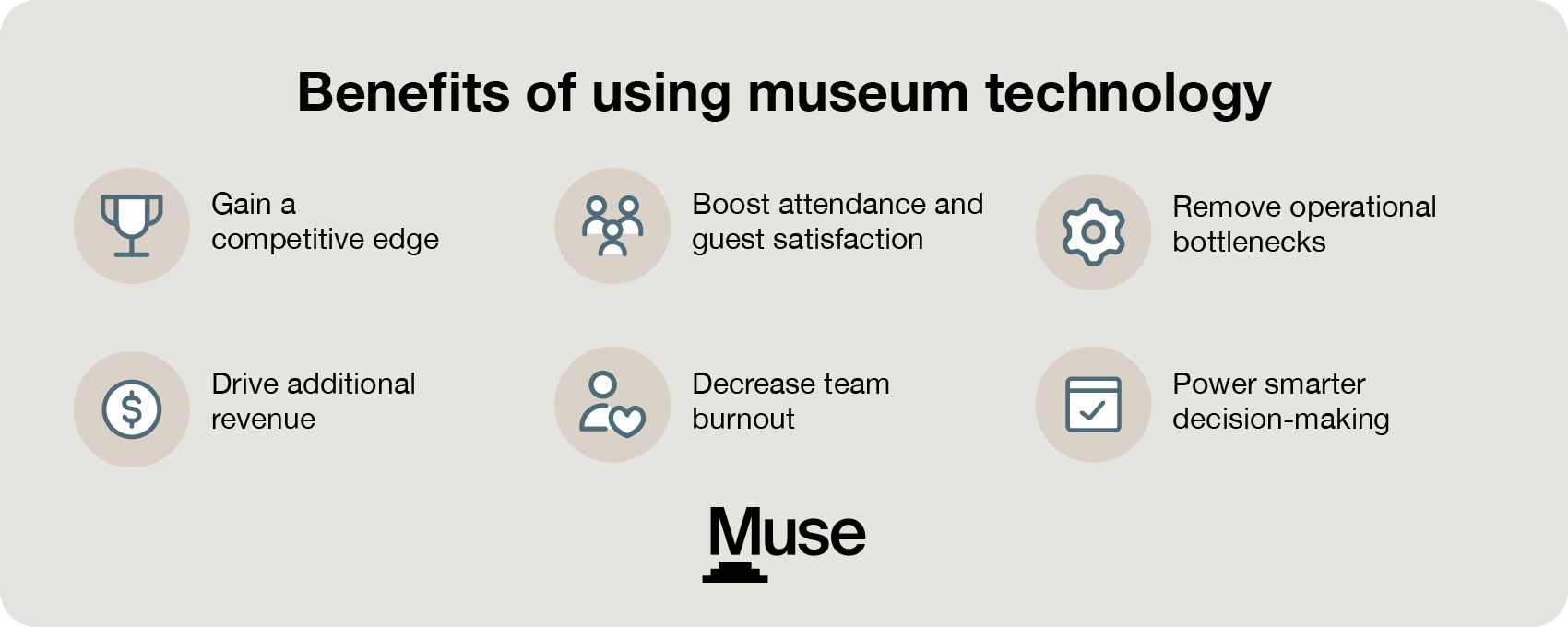
Though specific benefits vary by tool, using tech strategically can offer these advantages:
Gain a competitive edge over other institutions.
Remove operational bottlenecks by automating repetitive tasks.
Decrease team burnout by expanding bandwidth for more fulfilling work.
Boost attendance and guest satisfaction with more compelling exhibits and faster entry processes.
Drive additional revenue by identifying new opportunities to sell tickets, upgrade visitors into members, and gain donors
Power smarter decision-making with real-time operational metrics that connectticketing, retail, and fundraising data.
Cultural institutions that use a unified platform have an extra advantage over those that rely on fragmented tools. Using tools that connect automatically (or, better yet, live in one centralized system) removes the guesswork and ensures important data doesn’t get lost.
What are the challenges of implementing museum technology?
Transitioning to new museum technology doesn’t have to feel like an uphill battle. While standard industry implementations often come with inherent challenges, such as overcoming technical debt from quick-fix solutions, discovering hidden lifetime costs, or risking lost revenue from clunky checkout flows, these barriers are avoidable. By prioritizing careful planning and selecting a partner equipped to help you manage change and staff adoption, our process is designed to protect your team from traditional onboarding stress.
This is exactly why we designed the Muse implementation process. Rather than leaving your team to handle these hurdles alone, our structured onboarding strategy is built from the ground up to help eliminate these risks before they disrupt your daily operations:
Discovery and planning: We address potential technical debt early, avoiding the disjointed integrations and manual workarounds that plague lower-cost, quick-fix platforms.
Data migration: We migrate the records your organization relies on every day so your team can launch your new data-driven strategies without missing a beat.
System configuration: Our team works with you to tailor every aspect of Muse to your specific needs and operations. That way, you have an intuitive workflow and tools ready to go.
Staff training: Muse builds custom training paths designed to encourage team confidence and smooth software adoption from day one.
Launch support: When it’s time to go live, we stay by your side so your launch is smooth, confident, and intuitive.
13 museum technology tools
Generally, museum technology is divided into two critical areas: back-of-house operations and front-of-house visitor engagement. Here are some tools you’ll find under each of these categories:
Back-of-house museum technology
Ticketing and admissions software enables institutions to sell admissions online, via mobile devices, and at on-site kiosks. Modern tools instantly recognize members during checkout to apply discounts and reduce front-desk lines.
Customer relationship management (CRM) stores a visitor’s history. It provides a clear view of constituent relationships, helping you guide first-time visitors toward deeper engagement. For example, if you notice a visitor returning monthly, you can reach out with membership-specific updates.
Fundraising management tools track donor histories, pledges, and campaign progress. Integrated database features help development teams analyze visitor behavior to identify gift prospects and prompt staff to ask for donations or upgrades at the right moment in the supporter journey.
Automated membership platforms handle the heavy lifting of member retention by triggering automated renewal emails, managing tiered perks, and generating digital membership cards that save directly to smartphone wallets, eliminating the need to print physical cards.
Program, camp, and workshop schedulers manage the complex logistics of educational events, summer camps, classes, and public workshops. These tools allow museums to capture registration data, manage rosters, track waivers, and build community engagement.
Venue rental and event software facilitate space bookings for private events, corporate functions, and weddings. It tracks additional aspects of the event management process, such as catering needs and contracts.
Retail and café POS systems unify the gift shop and food service point-of-sale systems with the main database. This allows the system to automatically recognize members at the register, apply retail discounts, and track purchasing habits across the campus.
Reporting and analytics dashboards convert data from ticketing, retail, fundraising, and marketing into real-time visual insights. This gives leadership a unified snapshot of institutional health, enabling data-driven decisions on everything from exhibit staffing to marketing spend.
Collections management systems are used by registrars and curators to catalog, track, and document a permanent collection. It manages artifact locations, shipping logistics for traveling exhibits, preservation histories, and feeds digital archives to the public web.
Front-of-house museum technology
Augmented reality (AR) allows museums to add more dynamic layers to their collections. AR technology is accessed via a visitor’s smartphone or provided smart glasses that superimpose text, 3D animations, or historical recreations directly over physical artifacts for a more engaging visitor experience.
Interactive educational kiosks and wayfinders are high-resolution touchscreen monitors placed strategically on gallery floors. They serve a dual purpose: helping guests navigate complex floor plans and acting as interactive learning stations where visitors can access more information about the collection.
“Bring your own device” (BYOD) mobile guides are web-based platforms or native apps that allow visitors to access rich audio tours, curator commentary, and multimedia pathways directly on their own smartphones, eliminating the logistical headaches and costs of renting out shared physical audio hardware.
Generative AI conversational chatbots are digital docents embedded in your museum’s website or mobile app. They answer immediate visitor questions regarding simple questions, such as hours or amenities, and offer tailored recommendations on what to see based on a guest’s unique interests.
Our favorite museum software: Muse
Most cultural institutions struggle because they piece together entirely separate tools for their operations or work with generic software. With Muse, you can replace those disconnected systems with a unified operations platform built specifically for museums. In addition to most of the back-of-house tools mentioned above, Muse offers:
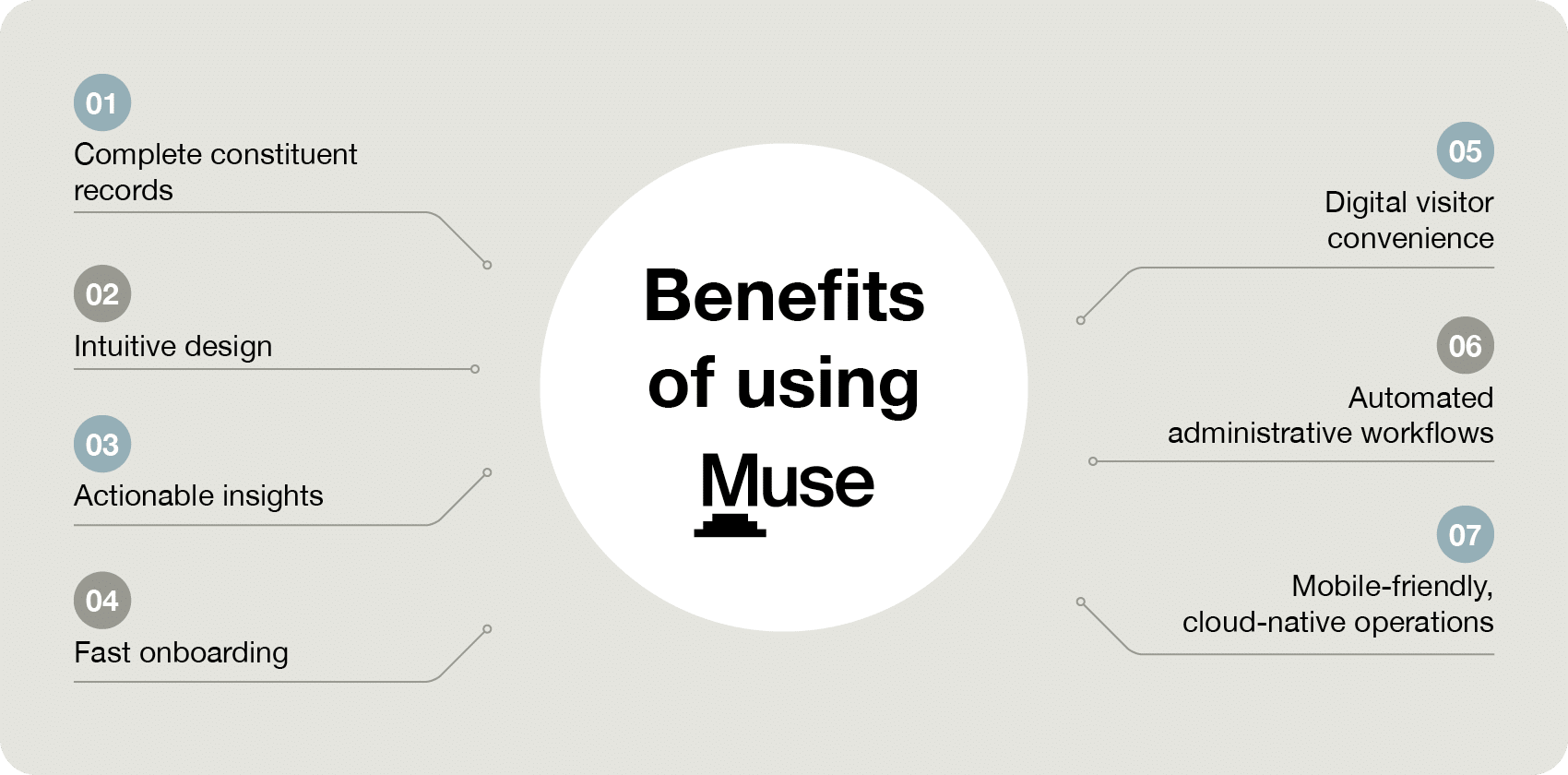
Complete constituent records: Every interaction is tracked in a single database, so ticket buyers, gift shop customers, and donors all live in the exact same profile.
Intuitive design: The platform is built for frontline staff, so you can easily train new employees.
Fast onboarding: Get transparent, all-inclusive pricing and a dedicated team to handle your data migration, so you can launch without disrupting your daily operations.
Digital visitor convenience: Patrons expect a modern digital experience. Muse includes digital membership cards that live directly in a member’s Apple Wallet or Google Wallet.
Automated administrative workflows: Muse automatically manages repetitive tasks, such as triggering membership renewal reminders, alerting your team to lapsed donors, and sending personalized transaction emails.
Mobile-friendly, cloud-based operations: Muse is entirely cloud-based and mobile-friendly, meaning your team can sell tickets, check in guests, or process gift shop sales from anywhere on the museum floor.
Stop fighting with complex legacy software. Book a demo to see how Muse unifies your ticketing, retail, and CRM into one intuitive system.
How to choose museum technology
While using separate point solutions to manage specific tasks might seem like the best way to handle niche operations, you’re likely accumulating hidden costs in wasted team time and redundant budgeting.
The bottom line? Point solutions and generic CRMs aren’t efficient or capable of supporting museum-specific workflows. True modernization requires shifting your strategy away from isolated apps and toward an integrated platform that lets you tackle multiple tasks at once. With that in mind, here’s how we recommend finding your best-fit museum technology:
Define the problem, not the tech: Start by identifying the specific issue so you can select the most logical solution.
Audit your existing tech stack: Document your current museum software to determine what needs to be replaced, what can stay, and where critical data silos exist. Indicators that it’s time to choose a different solution include severe operational fragmentation, negative user feedback, heavy reliance on manual tasks, siloed data, high checkout abandonment rates, and declining membership retention.
Determine the data and integration requirements: Ideally, you’ll find a system that handles most of the tasks all-in-one. However, if you have to use a point tool, make sure it and your core database or CRM can share information.
Assemble a cross-department committee: Form a software selection team that includes staff from IT (for security and infrastructure), guest services (for usability), development or marketing (for data and revenue), and finance (for budget).
Gather requirements and establish the budget: Draft a clear list of must-have versus nice-to-have features, and calculate the Total Cost of Ownership (TCO), including upfront onboarding fees, annual software licenses, hardware maintenance, and staff training time.
Request demos and test the vendor’s support resources: Schedule customized vendor demos using your museum’s real-world scenarios. In addition to gauging the features, ask about customer support hours, data migration assistance, and how often they push software updates.
Modernizing your museum’s tech infrastructure helps you overcome the operational bottlenecks caused by fragmented systems. By centering operations around a unified system, cultural institutions prevent staff burnout, improve the guest experience, and build sustainable revenue models for long-term growth.