Museum Ticketing Software: Best Practices & Features to Know

Your museum’s ticketing interface is the engine that keeps your institution running smoothly. And it does more than just process information and reserve ticket times; it can make or break the experience for the 30% of museum visitors who will remain engaged post-visit only if your organization exceeds their expectations.
Modern, intelligent museum ticketing software enhances the visitor experience and streamlines internal tasks, giving your team a full picture of your progress towards your goals and boosting engagement. In this guide, let’s review the essentials of museum ticket software, including what you can do with it, where you can buy it, and best practices for implementing it.
Museum Ticketing Software FAQs
What does museum ticketing software do?
At its core, museum ticketing software enables visitors to purchase tickets for general admission and specific events or exhibits. The system then records attendance information so your team can track ticket revenue, identify loyal patrons who could be prospective members, acknowledge existing supporters, and optimize staffing levels based on peak visitor flow.
In addition to selling tickets and recording data, your ticketing software might also help you:
- Manage timed entry
- Apply member benefits and discounts with codes
- Coordinate group sales (like field trips)
- Process sales across online, mobile, and in-person channels
- Offer dynamic pricing based on ticket demand
- Provide notifications to staff when key donors are visiting
Can small museums use ticketing software?
Yes. In fact, user-friendly ticketing platforms are essential for driving loyalty for museums of all sizes and budgets. When small museums invest in software, it allows them to grow as they have a better understanding of their visitors and can use it to solicit membership, ask for gifts, and save staff time so they can work on other tasks like building relationships with donors.
What are the challenges of implementing museum admissions software?
While the promise of modern software is compelling, implementing a new museum ticketing system requires navigating several complex challenges, such as:
- Technical debt: Choosing a lower-lift or less expensive solution now can lead to more problems down the line. For instance, you might save on setup costs with a tool that doesn’t have a built-in CRM, which can cost you hours of manual reconciliation between visitor lists and your donor database.
- Hidden costs: The total cost of ownership (TCO) for museum ticketing software extends beyond initial licensing fees to include ongoing maintenance, training time, and for more intensive projects, tech consultant fees.
- Revenue leakage: High drop-off rates may occur during the online ticket purchase flow due to hidden fees or a disjointed checkout process.
- Long implementation timelines: It often takes several months just to get the system fully up and running. You’ll also need to factor in team time for training and migrating information from your old system.
- Staff adoption barriers: Software implementation is as much about the human aspect as it is about the tech. Complex systems and inadequate training can lead to low user engagement and staff frustration.
Don’t let these challenges dissuade you from implementing museum ticketing software, though. With strategic preparation, team collaboration, and the right tools, you can mitigate these risks before they become problems.
What features should I look for in museum admissions software?
Every museum ticketing software solution is built differently. However, these features put you ahead of the curve and help you stand out from other institutions:
- A centralized constituent record that tracks every visitor, member, and donor in individual profiles.
- Automatic member recognition that applies discounts at the point of sale without manual lookup.
- Timed ticketing, dynamic pricing, and capacity management to control visitor flow for your most popular exhibits.
- Cloud-native architecture that gives you automatic updates and requires no local servers to maintain.
- Mobile-friendly interfaces for your staff to sell tickets or check in guests from anywhere on the floor.
- Predictive insights that surface new donor or membership opportunities.
- Digital membership cards that make it easy for members to check in and receive their benefits.
- Pre-built integrations with financial tools like QuickBooks to save your team hours of manual reconciliation.
Looking for a system that offers all these features and more? Muse has you covered.
The Benefits of Museum Admissions Software
Using effective museum ticketing tools presents significant advantages for both your internal team and external stakeholders, including:
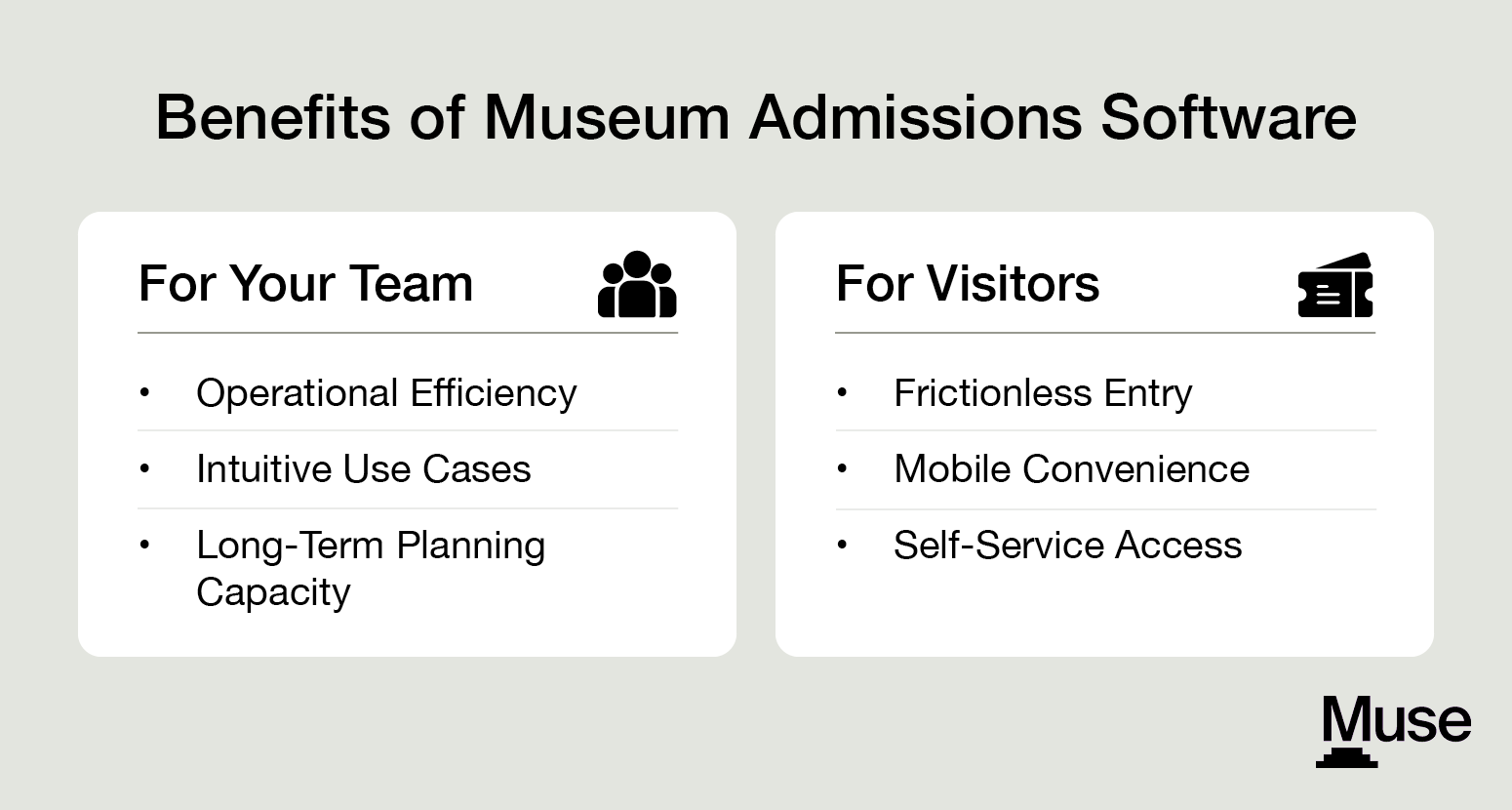
For Your Team
- Operational efficiency. Automated systems can reduce the time spent on administrative tasks, so your staff can spend more time on programming. Use automation to sync data between systems, send reminders to visitors about upcoming visits, and process ticket sales with minimal human interaction.
- Intuitive use cases. User-friendly, museum-specific platforms are designed for general staff and volunteers rather than IT departments. This allows you to onboard employees to the platform quickly and confidently, regardless of their tech experience.
- Long-term planning capacity. Systems that simply collect payments and issue visitor tickets help short-term operations but aren’t useful for big-picture strategic planning. Data-driven museum admissions software can track and report on your key performance indicators (KPIs), allowing you to make smarter decisions.
For Visitors
- Frictionless entry. Patrons receive their tickets instantly and can scan in quickly with QR codes upon arrival. A smooth entry process is essential to guarantee regular attendance.
- Mobile convenience. Mobile devices now account for nearly 70% of all website visits to cultural institutions. Digital membership cards for Apple and Google Wallets provide easy access at all touchpoints and empower guests to manage their reservations from wherever they are.
- Self-service access. Members can renew their own memberships or registrations, update their payment information, and update their profiles via a 24/7 online portal. This reduces the administrative burden on your staff while empowering your members to manage their own data.
Best Practices for Implementing Museum Ticketing Software
Implementing museum admission tools isn’t as easy as just choosing a system. Follow these best practices to ensure you select and adopt the right tool:
- Invest in change management. A structured transition helps your staff feel confident with the new solution. Form a core project team with representatives from management, front-desk operations, and membership. Define clear objectives and KPIs so everyone understands what success looks like for the implementation. Regular communication is vital to managing expectations and reducing resistance during the rollout. Whatever your needs, select a software that will help you efficiently migrate your data from your current system(s).
- Pick a system built for museum staff. General ticketing solutions are often adapted from business software and lack the workflows your team needs. Prioritize purpose-built software that understands museum-specific scenarios like reciprocal membership networks and education program registrations. That way, your software will support your existing work.
- Prioritize data unity. Ensure your visitor, member, retail, event, and donor data live in a single database. A unified constituent record lets you track every interaction in a single profile. This eliminates data silos and the need for manual reconciliation between separate systems.
- Automate the mundane. Offer membership auto-renewals so members can keep their status active and you increase retention without manual effort. Set up triggers for donor recognition based on real-time visit or retail behavior. Automation frees your staff to focus on high-value tasks like guest engagement.
- Evaluate pricing models. Look for all-inclusive, transparent pricing to avoid hidden fees. Budget-conscious institutions often prefer predictable costs that include updates and support. A clear understanding of the total cost of ownership helps justify the investment to your board.
- Choose cloud-native architecture. Modern cloud-based platforms eliminate the need for your institution to maintain expensive local servers and provide automatic updates with the latest features. Cloud-native tools also offer faster, more responsive performance for staff working on the floor.
- Prioritize an efficient implementation turnaround. Choose software with an intuitive, self-guided interface designed for front-line staff. Your goal should be to get team members up and running in hours, not days. Look for features like built-in tooltips, accessible knowledge bases, and clear visual workflows that eliminate the need for lengthy, costly training sessions.
- Measure relevant KPIs. Use metrics (like tickets sold or customer satisfaction scores) to understand your visitors’ opinions of the new software. Also, remember to gauge employee feedback; those insights will help you find new uses for the system.
- Stay updated on software trends. Follow publications and attend conferences on ticketing technology to stay on top of new developments and opportunities. That way, you can stay competitive in the space.
You don’t have to take on all of these best practices at once. Start small and scale up over time as your team builds capacity and comfort with your new system.
It’s no secret that museums have struggled to recoup attendance over the past five years (it’s still down by nearly 20% compared to pre-pandemic levels). However, by taking strategic steps to streamline the ticket-buying process with admission software, you can provide an experience that keeps attendees engaged, even after their visit. Plus, you’ll empower staff to focus more on mission-critical tasks like further strengthening visitor relationships and less on admin.
Looking to learn more? Complete the form below and one of our team members will reach out shortly to learn more about your cultural institution:


.png)